
Getting Started with SmartBlur v2
SmartBlur is a desktop privacy-redaction app for supported Windows PCs and Apple silicon Macs. It processes photos and videos locally on every plan. Standard and Pro also process a local webcam; Pro adds RTSP/RTSPS network cameras and processed live recording. The Mac website build requires macOS 14 or later on Apple silicon M1–M5. The current desktop workspace combines file queues, live camera input, automatic AI detection, manual/selective review, presets, and output controls.
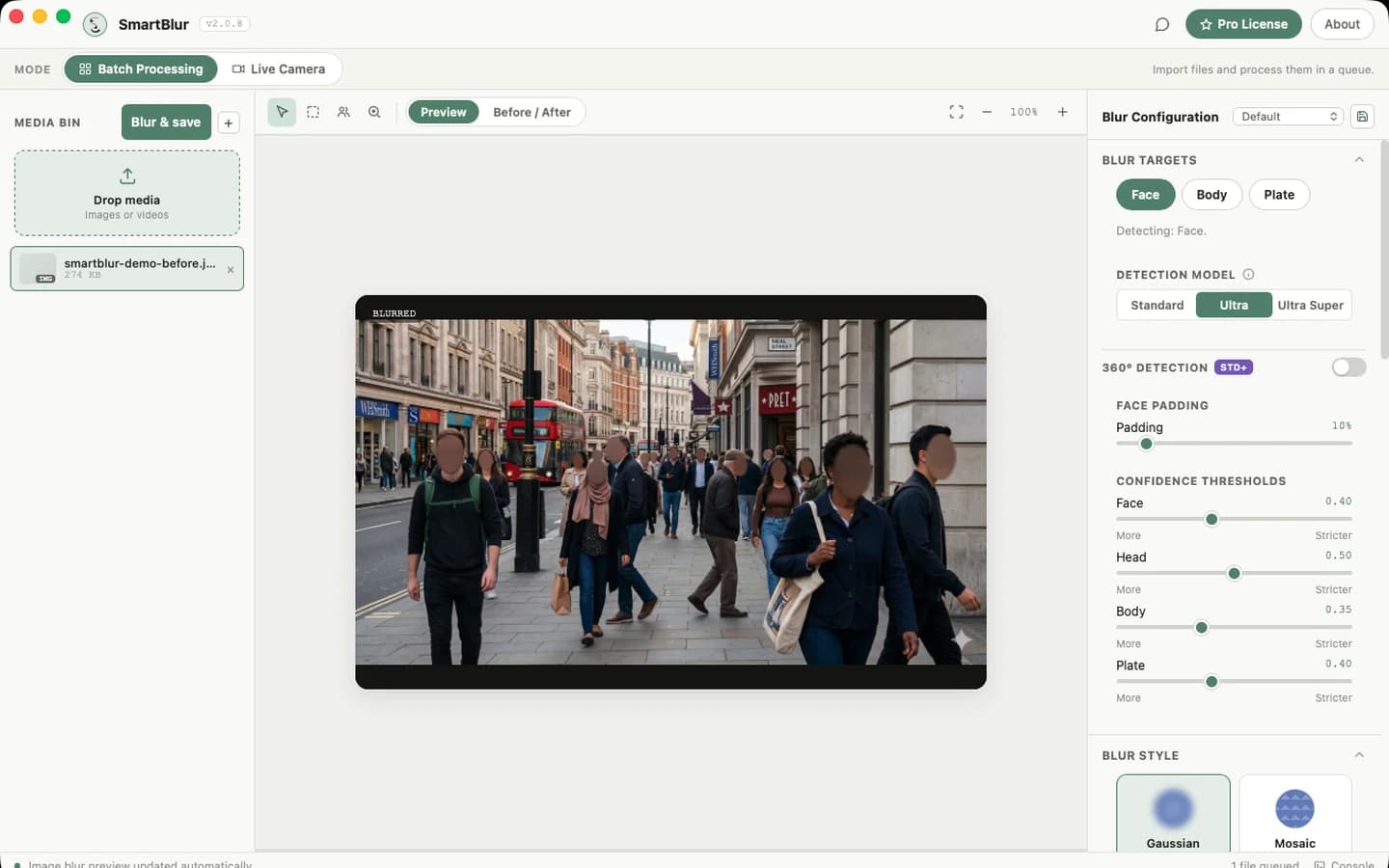
Choose a workflow
| Need | Use | Result |
|---|---|---|
| One or more photos | Batch Processing | Automatic preview, review, then saved redacted images |
| Video files | Batch Processing | Local frame-by-frame processing with progress and cancellation |
| Default webcam | Live Camera → Webcam | Standard or Pro provides a live processed preview; Pro can also record the processed result |
| Network/security camera | Live Camera → RTSP Stream | Pro provides a persistent processed stream and optional processed recording |
Which plan do I need for a live camera?
Use Standard or Pro for local webcam processing and SmartBlur Camera output in supported Windows or macOS website builds. Use Pro for RTSP/RTSPS input or processed live recording. The Microsoft Store package supports the plan-allowed in-app webcam workflow but does not include SmartBlur Camera.
Recommended first session
- Install SmartBlur and activate a license or device trial.
- Follow the Quick Start with a non-sensitive test photo.
- Learn the Desktop Workspace.
- Read AI Detection before changing confidence or model.
- For cameras, follow Webcam, RTSP & SmartBlur Camera and never expose a real stream password.
- Process a small representative sample, then review the saved result before using SmartBlur on important material.
Privacy model
Desktop media processing happens on the local SmartBlur processor. Source photos, videos, and camera frames are not uploaded for AI processing. Internet access is used for services such as license activation, feedback, and update checks. Keep source/output folders secure and perform a human review for high-risk publishing or compliance work.
What settings mean at a glance
- Model controls detection capability and speed.
- Confidence controls how much evidence a possible detection needs.
- 360° adds work for rotated and unusual angles.
- Padding expands the region after a face is found.
- Style/Intensity control how a found region is rendered.
Changing intensity cannot fix a missed detection. Change target, confidence, model, or 360° first; then use padding and style to ensure adequate concealment.